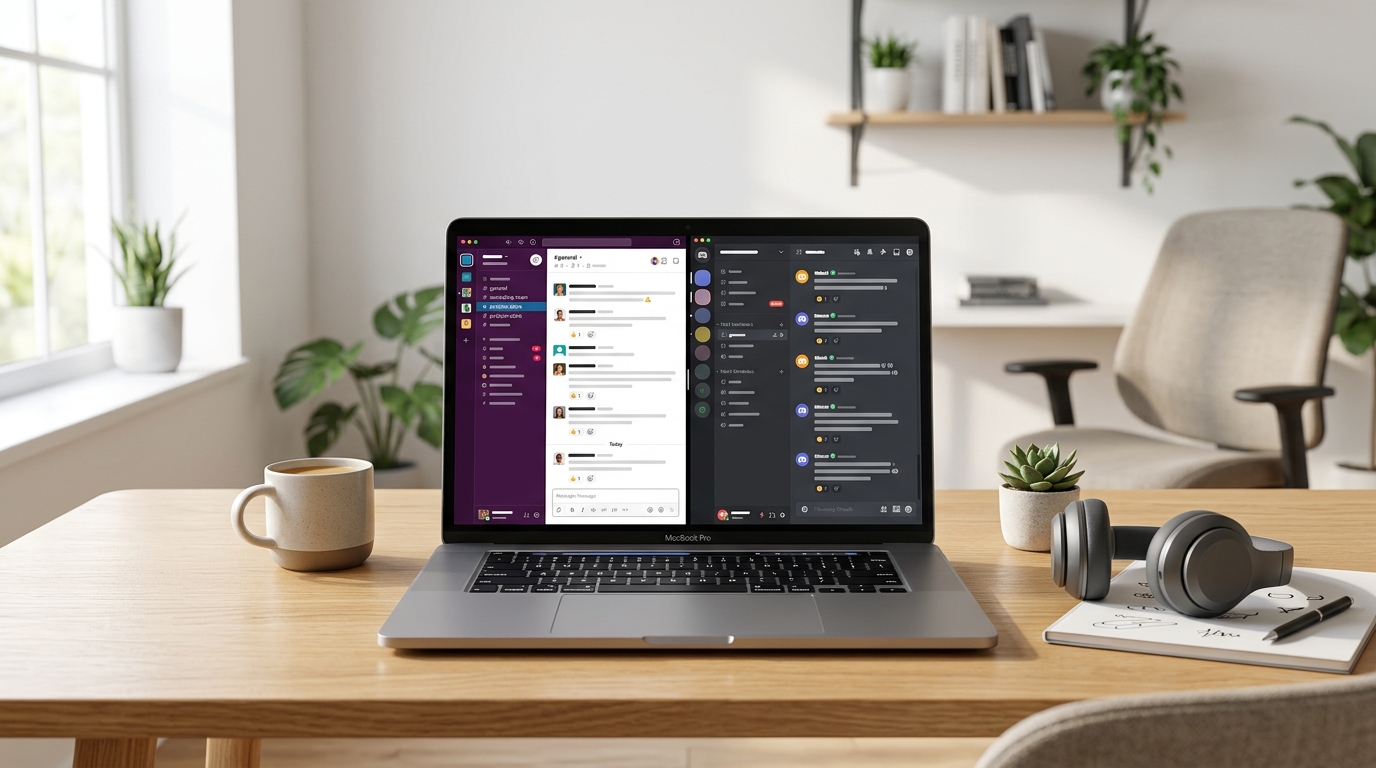
Slack vs. Discord for Remote Teams: An Honest Comparison
Sarah, owner of a small design agency with a fully remote team, was tired of important client feedback getting buried in email threads or lost in a flurry of individual DMs. She needed a central hub for quick communication, file sharing, and project updates that wouldn’t break her budget or require a PhD to set up. For remote teams like Sarah’s, the choice between Slack and Discord often comes down to specific needs, but for most small businesses, Slack is the clear winner, offering a more professional and feature-rich environment right out of the box.
While Discord excels as a community platform for gamers and hobbyists, its strengths don’t translate as effectively to a professional remote work environment. Its “server” and “channel” structure, while familiar to some, often feels less intuitive for business communication than Slack’s more organized “workspace” and “channel” setup. More importantly, Discord’s free tier is generous, but its paid features like larger upload limits (8MB on free vs. 50MB on Nitro Basic for $2.99/month, or 500MB on Nitro for $9.99/month) and custom emojis don’t quite align with typical business needs. The professional integrations are also significantly less robust compared to Slack.
Slack, on the other hand, is built from the ground up for business communication. Its strength lies in its extensive integration ecosystem. Imagine connecting your project management tool (like Asana or Trello), your CRM, your calendar, and even your custom internal apps directly into Slack channels. This means Sarah’s team can get notified about new tasks, client inquiries, or meeting reminders without ever leaving Slack. This centralizes workflows and drastically reduces context switching, a huge productivity killer for remote teams. While Slack’s free tier limits message history to 90 days and offers only 10 integrations, its paid tiers are where its true value shines. The Pro plan, at $7.25 per user per month (billed annually), provides unlimited message history, unlimited integrations, and crucial features like shared channels with external partners – perfect for Sarah collaborating with freelancers or clients. The Business+ plan, at $12.50 per user per month (billed annually), adds even more advanced security and compliance features, though Pro is usually sufficient for most small businesses.
The user interface of Slack also feels more polished and professional for a business context. Features like threaded conversations keep discussions organized, preventing important information from getting lost. The robust search functionality allows Sarah to quickly find that specific client feedback from months ago, something that can be a real headache in platforms not designed for long-term information retention. For small businesses prioritizing clear, integrated, and professional communication, Slack’s investment pays dividends in efficiency and organization.
Start a Slack Pro trial today and integrate your key business tools.
Related: Slack vs Microsoft Teams: Which Is Right for Your Team?
Related: Slack vs Microsoft Teams: Which Is Better for Small Teams?
Frequently Asked Questions
Which platform is generally better for professional remote teams?
Slack often suits professional teams needing robust integrations, structured communication via threads, and advanced search. Discord excels for teams valuing voice communication, real-time interaction, and a more casual, community-oriented feel, especially in creative or gaming fields.
Is one platform more cost-effective than the other for remote teams?
Discord offers a very generous free tier with excellent voice features, making it highly cost-effective for smaller teams. Slack’s free tier is more limited, and its paid plans, while feature-rich, are generally more expensive, catering to larger organizations.
What are the main feature differences relevant to remote team collaboration?
Discord prioritizes voice channels and real-time interaction, great for spontaneous discussions. Slack emphasizes threaded conversations, deep integrations with business tools, and robust search, ideal for asynchronous, structured project communication and documentation.
Instant download — no subscription needed